
Files
AI SharePoint integration — ClawAI
Connect Microsoft SharePoint to ClawAI to read documents and site lists, and to upload documents and manage list items — from a conversation.
All integrations · Last reviewed:
See it in the app
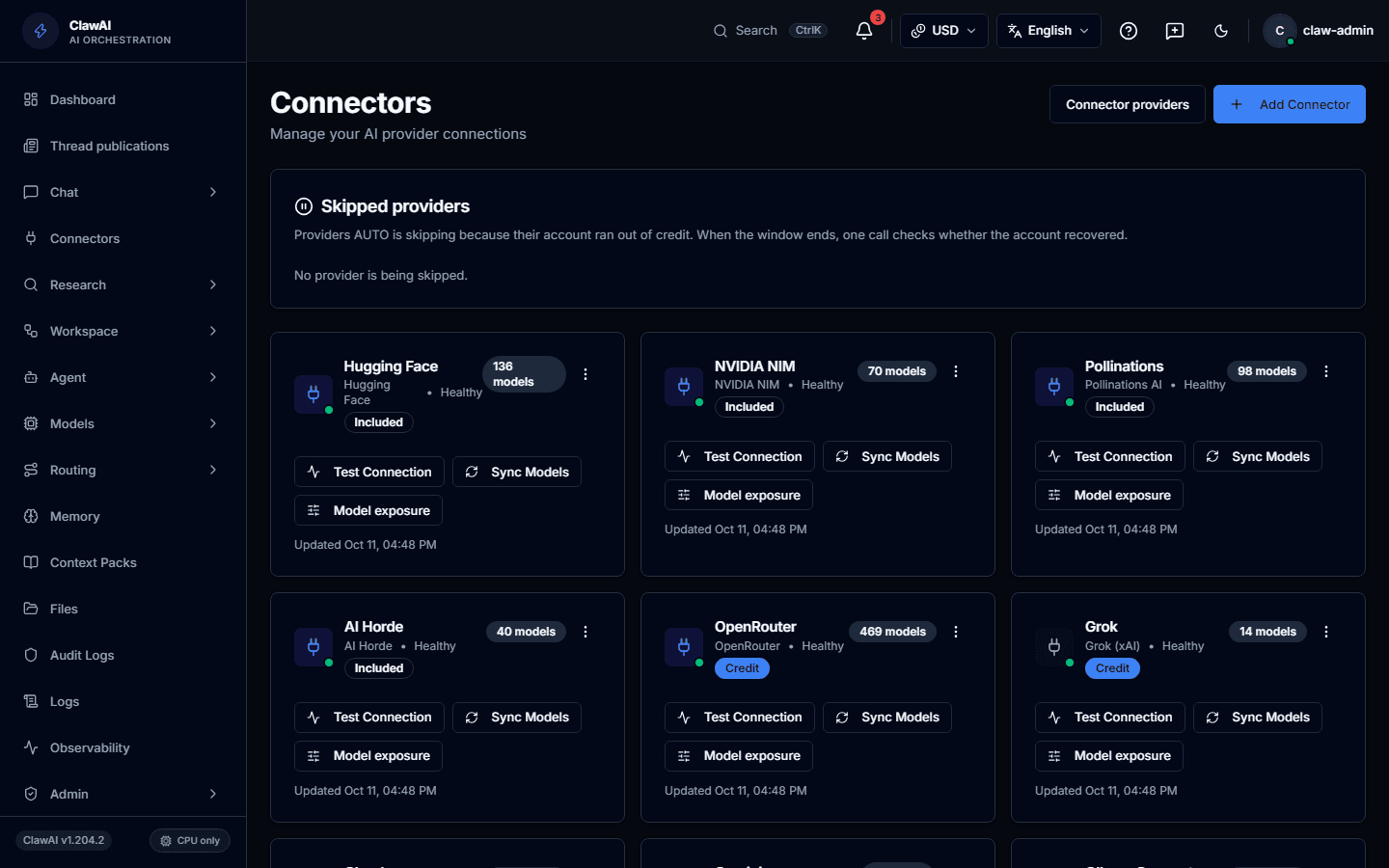
Connect your tools so the AI can work with them.
What this connector can do
- ClawAI can read
- Documents, Files, Site lists
- ClawAI can write
- Upload a document, Create a list item, Update a list item
- Sync
- Syncs on a schedule, not in real time
What the connector covers
ClawAI can read documents, files, and the lists that organize a SharePoint site. Sync happens on request rather than through a real-time push connection.
On the write side: upload a document, create a list item, and update an existing list item.
How you connect it
SharePoint requires your Microsoft tenant ID alongside OAuth, so the connector knows which organization's SharePoint to reach.
Questions people ask
- Does it need my Microsoft 365 tenant ID?
- Yes — SharePoint is tenant-scoped, so the connector needs your tenant ID to know which organization's SharePoint to connect to.
- Is content updated in real time?
- No — sync happens on request, not through a live push notification.
Connect it and see for yourself
SharePoint is one of 14 workspace connectors in ClawAI.