
Files
AI OneDrive integration — ClawAI
Connect Microsoft OneDrive to ClawAI to read files and documents, and to upload and move files — with support for syncing only what changed.
All integrations · Last reviewed:
See it in the app
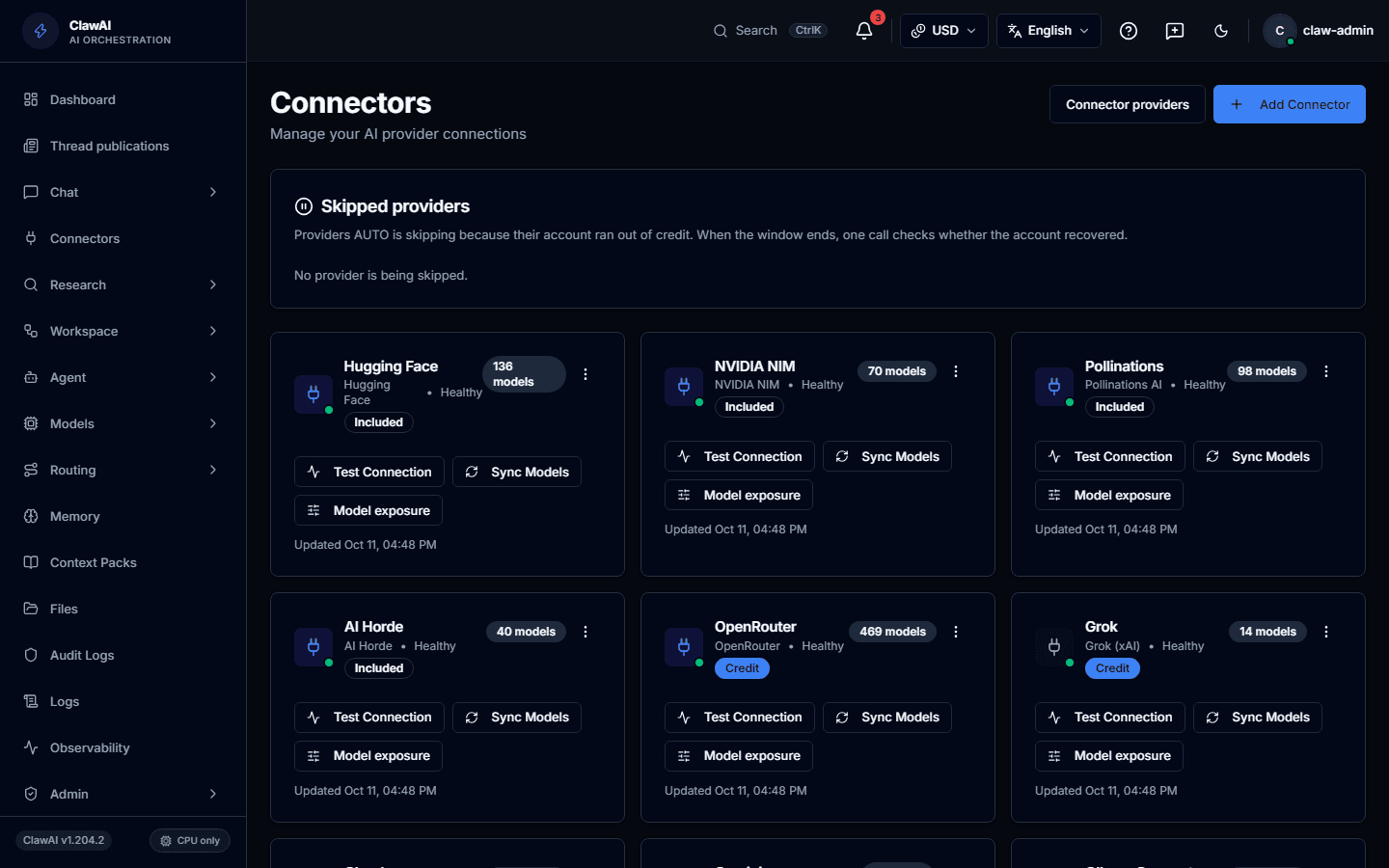
Connect your tools so the AI can work with them.
What this connector can do
- ClawAI can read
- Files, Documents
- ClawAI can write
- Upload a file, Move a file
- Sync
- Syncs on a schedule, not in real time
What the connector covers
ClawAI can read files and documents, with delta sync — after the first full read, later syncs only fetch what changed. Real-time push notifications are not currently supported; sync happens on request.
On the write side: upload a file, and move a file between folders.
How you connect it
OneDrive requires your Microsoft tenant ID alongside OAuth, the same as SharePoint.
Questions people ask
- Does it need my Microsoft 365 tenant ID?
- Yes, the same way SharePoint does — OneDrive for Business is tenant-scoped.
- Is a large OneDrive slow to keep in sync?
- The first sync is the expensive one; delta sync means subsequent syncs only fetch what actually changed.
Connect it and see for yourself
OneDrive is one of 14 workspace connectors in ClawAI, with delta sync for large libraries.