
Calendar
AI Outlook Calendar integration — ClawAI
Connect Outlook Calendar to ClawAI to read meetings and events, and to create a calendar event — from a conversation.
All integrations · Last reviewed:
See it in the app
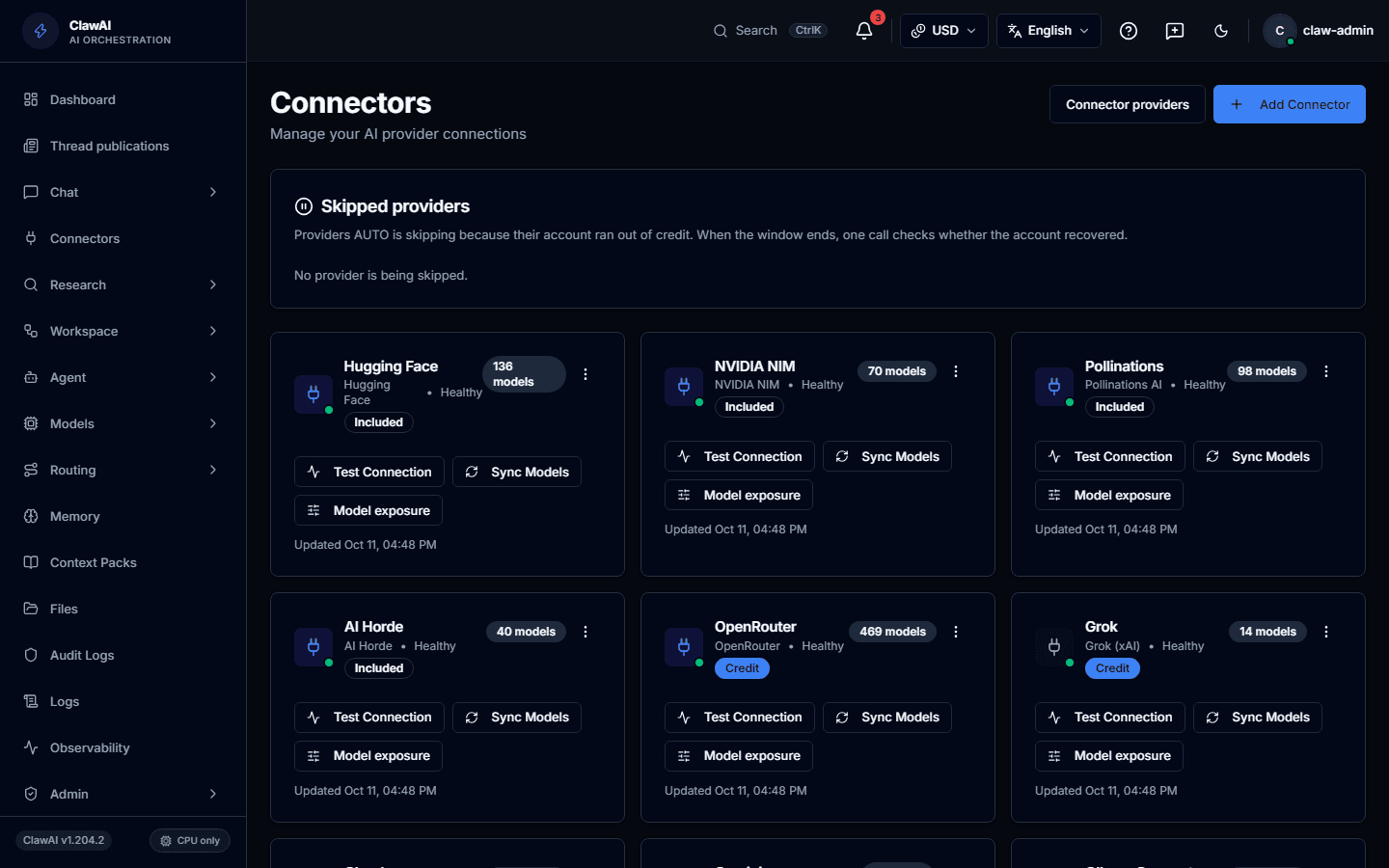
Connect your tools so the AI can work with them.
What this connector can do
- ClawAI can read
- Meetings and events
- ClawAI can write
- Create a calendar event
- Sync
- Syncs on a schedule, not in real time
What the connector covers
ClawAI can read meetings and events. This connector does not currently support delta sync or real-time push notifications — each sync reads what it needs on request.
On the write side, the connector currently supports one action: creating a calendar event. Rescheduling, deleting, or responding to an existing invite are not yet supported.
How you connect it
Outlook Calendar supports OAuth with an optional tenant ID — leave it blank to use Microsoft's multi-tenant endpoint, or set it for a specific organization.
Questions people ask
- Can ClawAI reschedule an existing meeting for me?
- Not yet — only creating a new event is currently supported.
- Do I need to set a tenant ID?
- Only if you want the connector scoped to a specific Microsoft organization. Leaving it blank uses the multi-tenant endpoint, which works for most personal and organizational accounts.
Connect it and see for yourself
Outlook Calendar is one of 14 workspace connectors in ClawAI. Its write action is currently limited to creating events.