
Code hosting
AI GitHub integration — ClawAI
Connect GitHub to ClawAI to read repositories, issues, and pull requests, and to draft PR descriptions, comment, suggest changes, and approve — from a conversation.
All integrations · Last reviewed:
See it in the app
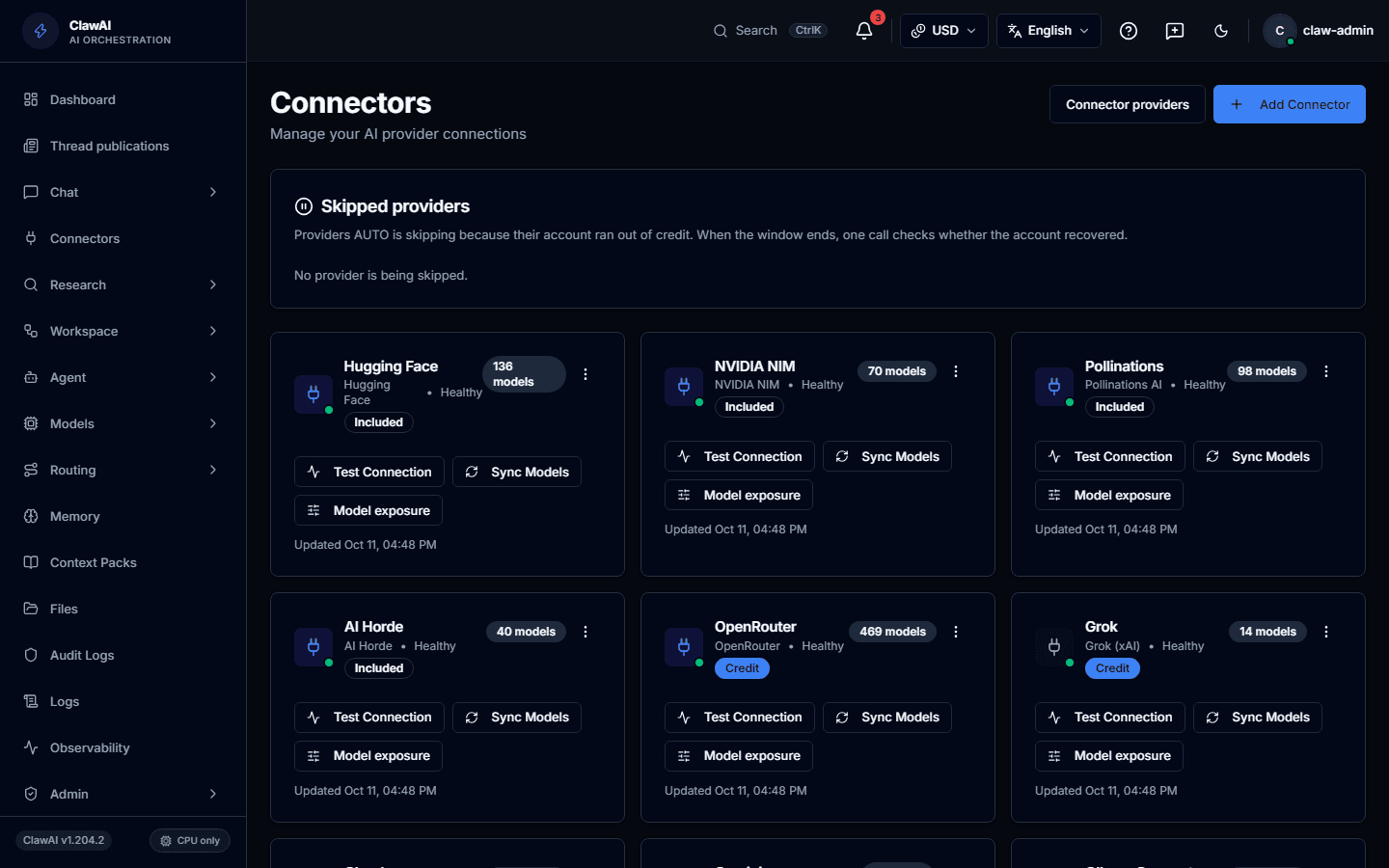
Connect your tools so the AI can work with them.
What this connector can do
- ClawAI can read
- Repositories, Issues, Pull requests, Comments
- ClawAI can write
- Create an issue, Comment on an issue, Draft a pull request description, Comment on a pull request, Approve a pull request, Suggest a code change
- Sync
- Updates in real time
What the connector covers
Once connected, ClawAI can read repository contents, issues, pull requests, and comments. Real-time updates are supported — a webhook tells ClawAI when something changes rather than waiting for a poll — and delta sync means re-reading a large repository does not mean re-reading it from scratch every time.
On the write side, ClawAI can create an issue, comment on an issue, draft a pull request description, comment on a pull request, suggest a specific code change, and approve a pull request. Every write happens as an explicit action you review, not silently in the background.
How this fits the Coding Agent
The GitHub connector and the Coding Agent solve related but different problems. The Coding Agent works inside your editor on a checked-out repository. The GitHub connector works inside a ClawAI conversation on GitHub's hosted data — issues, pull requests, and review comments — without anyone having the repository open locally.
A common pattern: use the connector to triage issues and draft PR descriptions from chat, and reach for the Coding Agent when the work is actually writing and running code.
How you connect it
GitHub supports OAuth (the default — sign in with GitHub, grant scoped access) or a personal access token, for accounts and automations that prefer a token. GitHub Enterprise is supported by pointing the connector at your instance's API URL instead of github.com.
Questions people ask
- Can ClawAI comment on my pull requests automatically?
- It can leave a comment when you ask it to — reviewing a diff and posting feedback, or approving once it is satisfied. It does not comment unprompted; every write is an action you request.
- Does it work with private repositories?
- Yes, subject to the access you grant during connection. ClawAI only sees what the connected account or token can see.
- Does this replace the Coding Agent?
- No — they cover different surfaces. The connector reaches GitHub's hosted issues and pull requests from chat; the Coding Agent works on your checked-out code in your editor.
Connect it and see for yourself
The GitHub connector is one of 14 workspace connectors in ClawAI, and every write action it performs is one you asked for.