
AI Gmail integration — ClawAI
Connect Gmail to ClawAI to read threads and messages, and to send, reply, and draft email — from a conversation.
All integrations · Last reviewed:
See it in the app
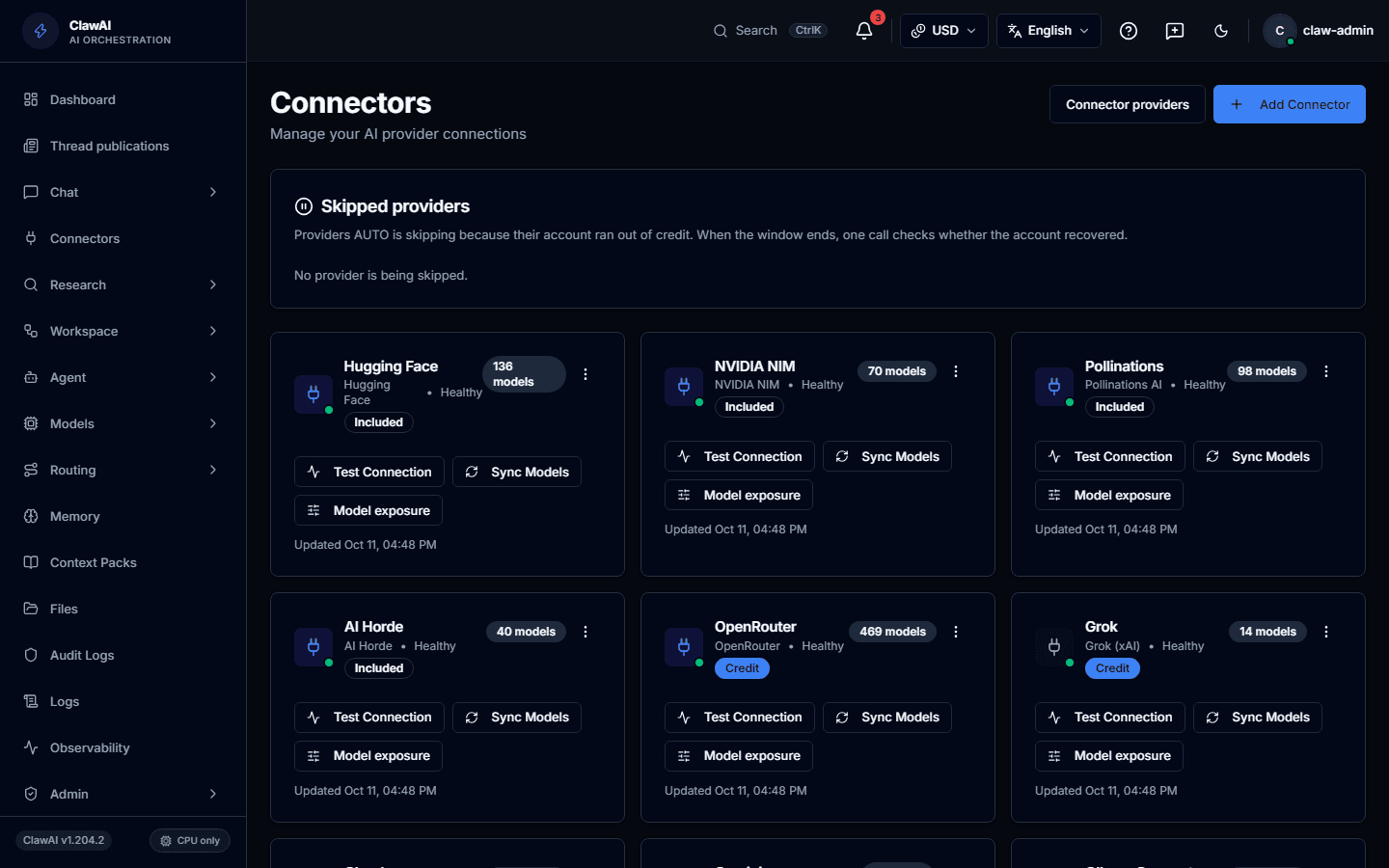
Connect your tools so the AI can work with them.
What this connector can do
- ClawAI can read
- Email threads, Messages, Labels
- ClawAI can write
- Send an email, Reply to an email, Create a draft
- Sync
- Syncs on a schedule, not in real time
What the connector covers
ClawAI can read email threads, messages, and labels, with delta sync. It does not currently support real-time push notifications for new mail — sync happens on request.
On the write side: send a new email, reply to an existing thread, and create a draft without sending it — useful when you want ClawAI to prepare a reply for you to review before it goes out.
Questions people ask
- Will ClawAI send email without me approving it?
- No. Sending is an explicit action; the draft action exists specifically for cases where you want to review before anything is sent.
- Does it check my inbox continuously?
- It syncs on request rather than through a live push connection, so new mail is visible as of the last sync, not instantly.
Connect it and see for yourself
Gmail is one of 14 workspace connectors in ClawAI.