
Design
AI Figma integration — ClawAI
Connect Figma to ClawAI to read files and comments, post comments, and hand a design comment off directly to Jira as a ticket or user story.
All integrations · Last reviewed:
See it in the app
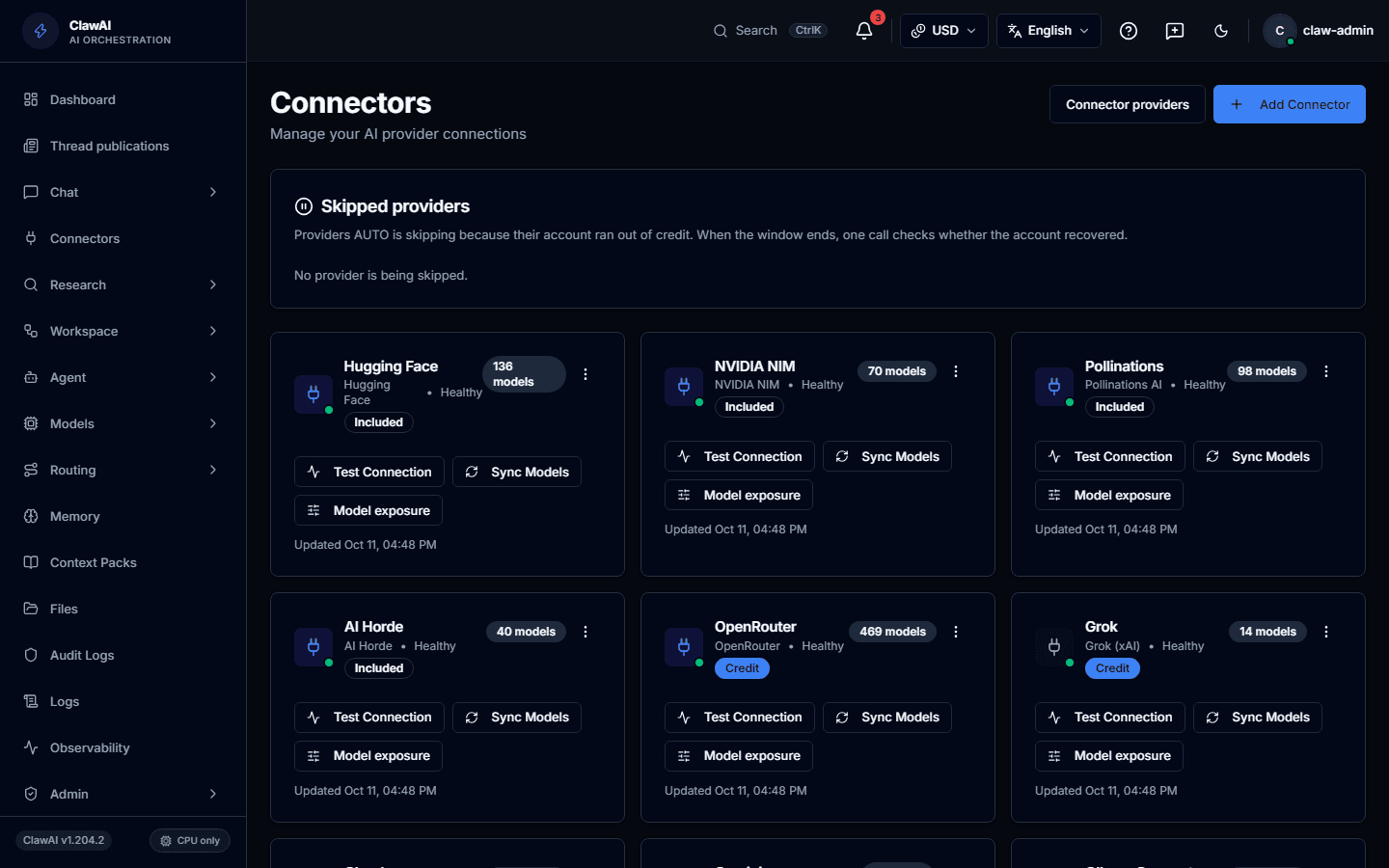
Connect your tools so the AI can work with them.
What this connector can do
- ClawAI can read
- Files, Comments
- ClawAI can write
- Post a comment on a file
- Sync
- Updates in real time
What the connector covers
ClawAI can read Figma files and their comments, with real-time updates via webhook. On the write side, it can post a comment on a file.
Figma's main leverage in ClawAI comes from pairing it with Jira: a comment on a design can become a Jira ticket or a drafted user story without anyone retyping the context by hand — see the Jira integration page for the specific actions.
Questions people ask
- Can ClawAI read the actual design, not just comments?
- It can read file content and comments through the Figma API. What it can meaningfully summarize about visual design depends on the file — comments and structure are the most reliable source.
- Do I need the Jira connector too, for the Figma-to-ticket workflow?
- Yes — the Figma-to-Jira actions live on the Jira connector and require both connections to be active.
Connect it and see for yourself
Figma is one of 14 workspace connectors in ClawAI, most useful paired with Jira.