
Communication
AI Slack integration — ClawAI
Connect Slack to ClawAI to search channels and messages, and to send and reply to messages — so a conversation can act on what your team is discussing.
All integrations · Last reviewed:
See it in the app
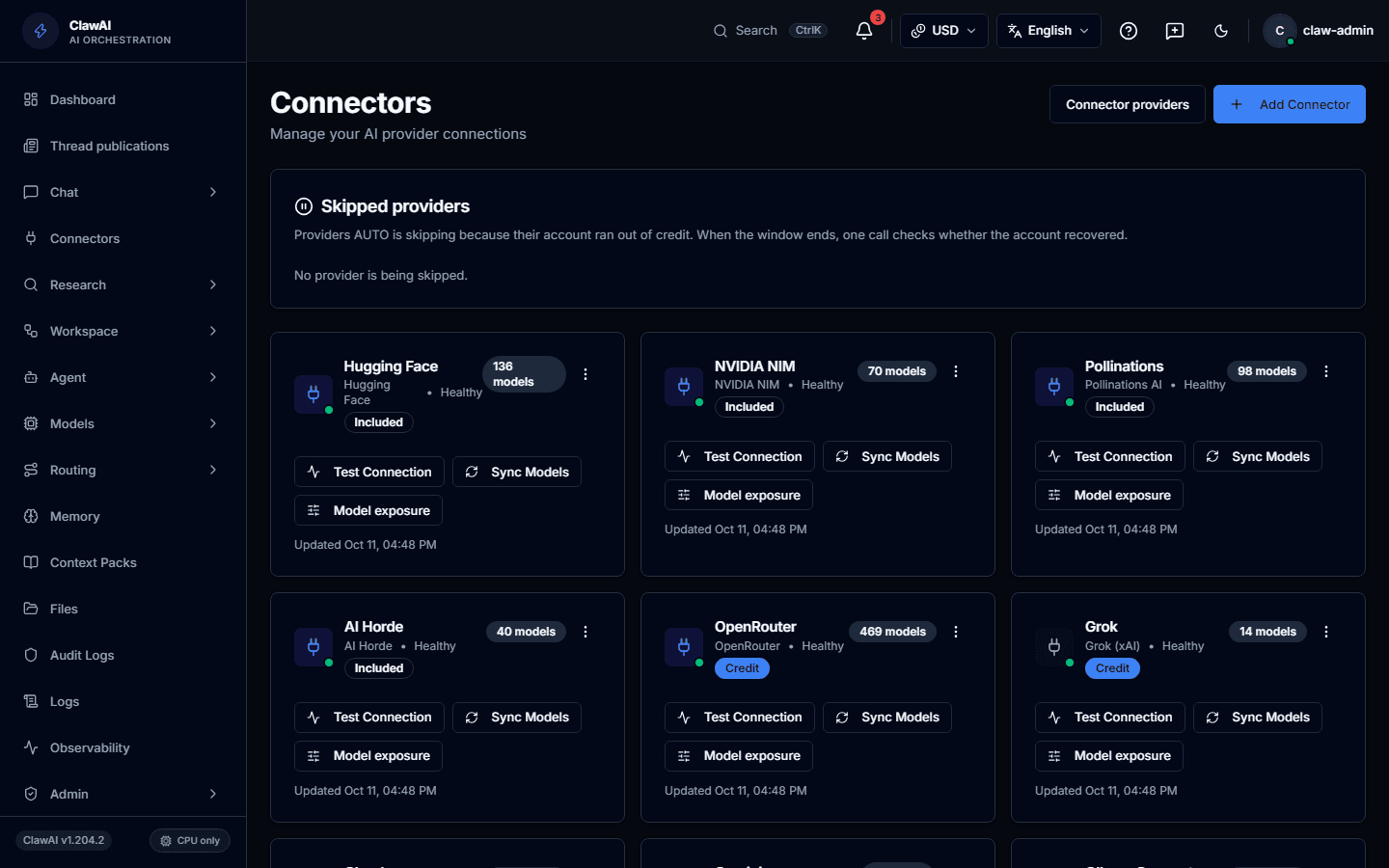
Connect your tools so the AI can work with them.
What this connector can do
- ClawAI can read
- Messages, Channels, Users
- ClawAI can write
- Send a message, Reply in a thread
- Sync
- Updates in real time
What the connector covers
ClawAI can read messages, channels, and users, with real-time updates via Slack's event webhooks — new messages are visible as they arrive rather than on the next poll.
On the write side: send a message to a channel, and reply within a thread. Both require your explicit request; ClawAI never posts to Slack unprompted.
What it is good for
Finding a decision buried in a thread from three weeks ago, summarizing a channel's discussion before a meeting, or drafting a reply that references context from several messages — the kind of search that a Slack search box does not handle well because it matches keywords, not meaning.
Questions people ask
- Can ClawAI read private channels?
- Only channels the connected account is a member of and grants access to during connection — ClawAI never sees more of a workspace than the connecting user can.
- Will it post to Slack without me asking?
- No. Sending or replying to a message is always an explicit action you request in the conversation.
Connect it and see for yourself
Slack is one of 14 workspace connectors in ClawAI, with real-time updates via webhook.